
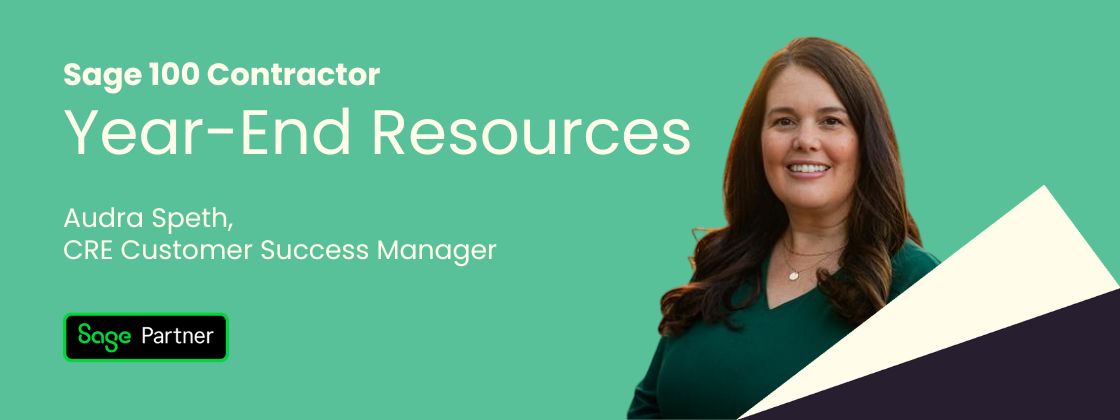
As year-end approaches, we’ve gathered the key Sage 100 Contractor links and on-demand webinars you need to complete your close. Audra Speth, Construction Customer Success Manager at Alta Vista, shares where to find these resources and highlights a few important announcements to be aware of as you plan your year-end processing.
Helpful Sage 100 Contractor links
Sage offers a robust self-service support ecosystem. Below are the most useful links for year-end preparation:
- Sage 100 Contractor Year-End Center: Link here
- Community Hub - Announcements: Link here
- Community Hub- General discussions: Link here
- Knowledgebase (Common how-to articles): Link here
- Sage University (Structured training library): Link here
Important updates to know
- Sage 100 Contractor version 27.3 is currently targeted for release the week of December 15. Watch the Community Hub Announcements forum for the official release notice.
- The One Big Beautiful Bill (OBBB) Act does not change the format of the 2025 W-2 form.
- Windows Server 2016 Extended Support ends January 12, 2027.
If you’re still running on-prem servers, now is a good time to plan for a server upgrade or to begin evaluating cloud options like Sage Intacct Construction.
Webinar: Payroll & year-end processing
In this on-demand session, Sage expert Catherine Schmitt walks through how to successfully complete payroll year-end tasks in Sage 100Contractor, including:
- Closing payroll
- Updating calculation rates and limits
- Running and repairing payroll audits
- Preparing W-2 and 1099 forms
The session also covers key changes affecting 2025/2026, including overtime reporting considerations related to the Big Beautiful Bill. The slides and Q&A are available here.
You’ll learn how to:
- Install the latest year-end release and verify payroll is ready to close
- Decide when to archive payroll vs. close payroll, and the pros and cons of each
- Update Social Security, Medicare, unemployment,401(k), and other calculation limits
- Run payroll audits, interpret errors, and repairpayroll data
- Advance the posting period and handleaudit-blocking errors
- Handle third-party sick pay, employer vs. employee taxes, and W-2 reporting
- Print W-2 and 1099 forms using Atrix
- Understand what’s changing for overtime and double-time reporting under the Big Beautiful Bill
- Prevent unwanted prior-year modifications and when archiving is appropriate
Need help closing the year?
If this is your first time closing the year in Sage 100 Contractor and you need extra guidance, please reach out directly to your Customer Success Manager. We’re here to help.
If you’re an Alta Vista hosting customer, now is the time to schedule your Year-End Release Update with IT:
📧 Email: ticket@cloudit.co
📞 Phone: (602) 875-5486

The right foundation for your next stage of growth
Our team of experts is here to help guide you every step of the way. Let’s start your ERP journey today!